
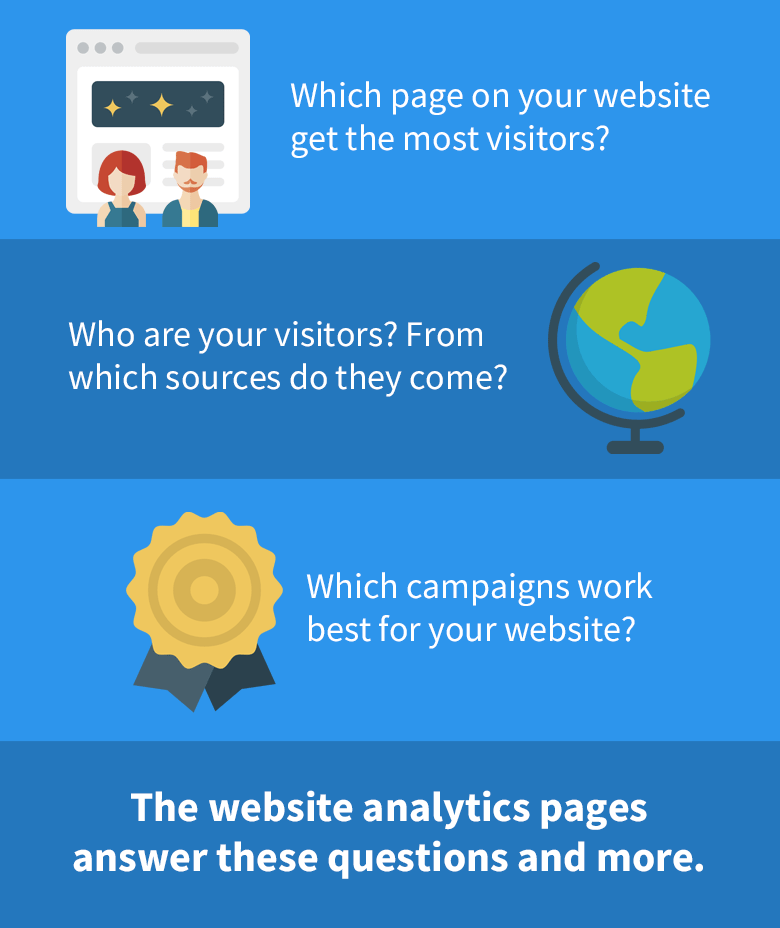
SEOprofiler integrates with Google analytics so that you can get the most important visitor statistics at a glance.
How to get website analytics
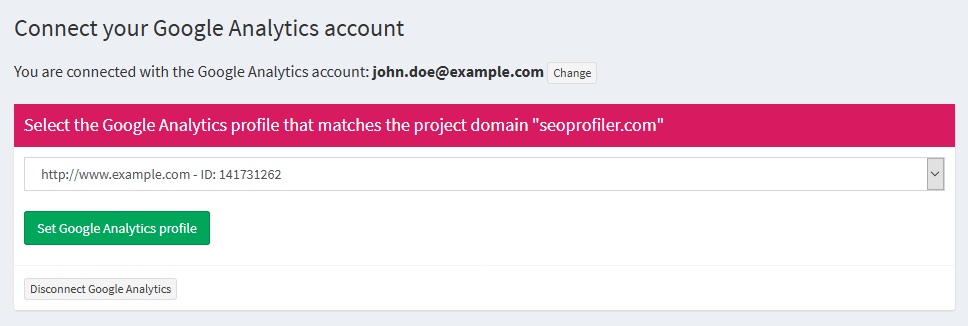
Simply go to SEOprofiler > Your project > Website Analytics > Settings and connect your Google Analytics account:
The pages will be available immediately:
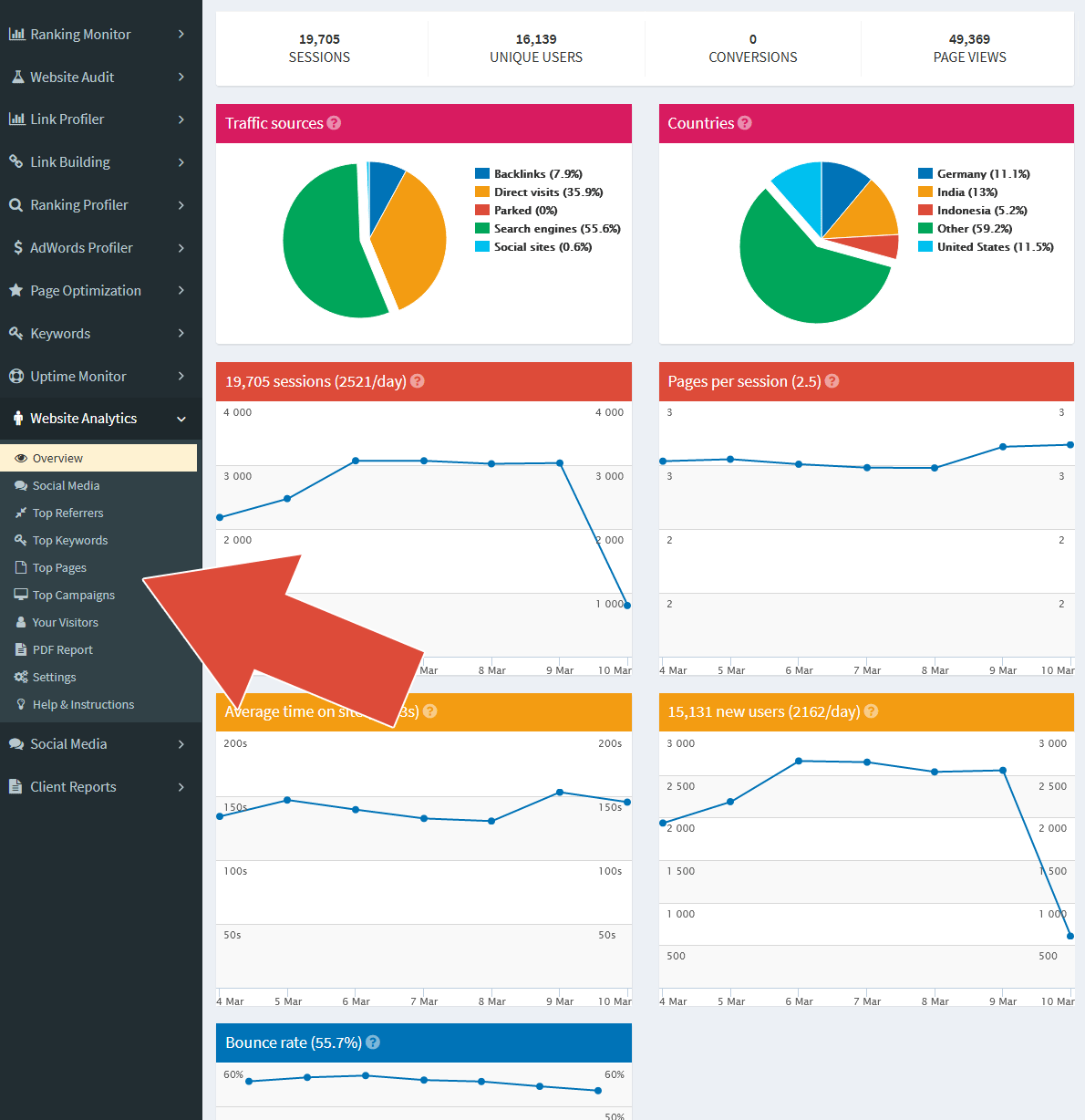
You can use the analytics data to get a quick overview of the key statistics. You can also use the web-based reports to offer your clients analytics reports in your own company design.

| 1 | How to remove errors from your web pages to rank better |
| 2 | How to find the best keywords for your website |
| 3 | How to optimize your web pages for relevant keywords |
| 4 | How to analyze the links that point to your site |
| 5 | How to improve the links that point to your site |
| 6 | How to check your rankings on Google, Google Mobile, Bing and Yahoo |
| 7 | How to monitor the uptime of your website |
| 8 | How to analyze the Google Ads campaigns of your competitors |
| 9 | How to analyze the SEO campaigns of your competitors |
| 10 | How to analyze social media |
| 11 | How to analyze your website visitors |
| 12 | How to create impressive reports for your boss and your clients |
Log in to SEOprofiler. Create a free account if you don't have one.
Use the powerful tools in SEOprofiler to improve your website.
Your search engine rankings will rise and you will get more visitors.